🛠️ Dive into our collection of DIY Kits, 🔊 Audio Amplifiers, Digital Scoreboards, FM transmitters, and more!
🎶 Explore endless possibilities at our new store.
MAKER TUTORIAL
Up Counter
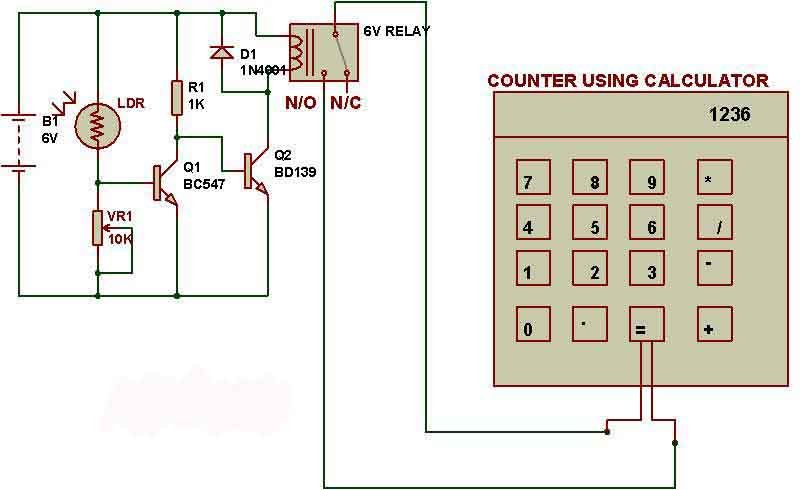
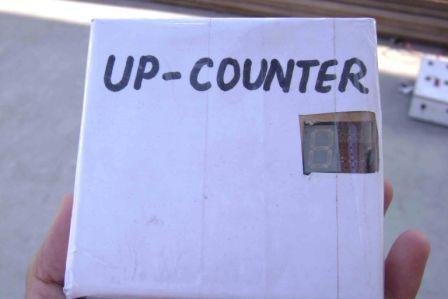
An up counter simply counts from 0 to 9. We can use this circuit to make digital object counter. This circuit can also be used to make a digital clock.
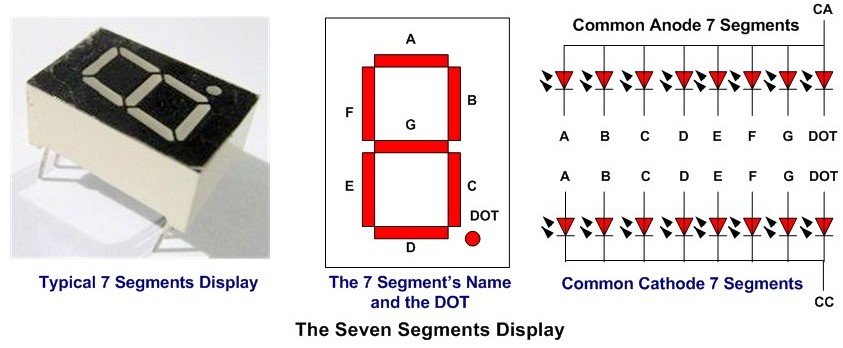
Here, CC-Common Cathode and CA-Common Anode.
6. Resistors- see the schematic
7. Capacitor- see the schematic
8. LED
9. Power supply
The 555-astable multivibrator gives pulse to 7490, for each pulse it outputs 4 bits which are interpreted by 7447 and displayed as numbers on seven segment display.
Click here to read how 7490 IC outputs 4 bits.
Counter with different numbers:
You don't need to make changes on 555 astable timer and 7447. You just need to modify connections on pins 2,3,6 and7 of 7940.
Count 0 to 1
- Short pins 2 and 9 i.e. connect pin 2 to 9.
- Remove connection of pin 3.
- Connect pins 6 and 7 to negative terminal of battery or ground.
Count 0 to 2
- Short pins 2 and 9 i.e. connect pin 2 to 9.
- Connect pin 3 to 12.
- Connect pins 6 and 7 to negative terminal of battery or ground.
Count 0 to 3- Connect pin 2 to 8.
- Remove connection of pin 3.
- Connect pins 6 and 7 to negative terminal of battery or ground.
Count 0 to 4- Connect pin 3 to 8.
- Connect pin 2 to 12.
- Connect pins 6 and 7 to negative terminal of battery or ground.
Count 0 to 5- Connect pin 2 to 9.
- Connect pin 3 to 8.
- Connect pins 6 and 7 to negative terminal of battery or ground.
Count 0 to 6- Find out yourselfCount 0 to 7
- Connect pins 2 and 3 to 11.
- Connect pins 6 and 7 to negative terminal of battery or ground.
Count 0 to 8
- Connect pin 2 to 11.
- Connect pin 3 to 12.
- Connect pins 6 and 7 to negative terminal of battery or ground.
Count 0 to 9
- Connect 2,3,6 and 7 to ground.
For resetting counter
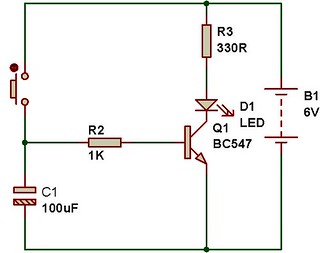
Pin 2 and 3 should be momentarily connected to +ve terminal. You can use a push-to-on switch.
[products ids="18978" skus="BC-3014A"]
🛠️ Dive into our collection of DIY Kits, 🔊 Audio Amplifiers, Digital Scoreboards, FM transmitters, and more!
🎶 Explore endless possibilities at our new store.


 Here, CC-Common Cathode and CA-Common Anode.
 6. Resistors- see the schematic
7. Capacitor- see the schematic
8. LED
9. Power supply
6. Resistors- see the schematic
7. Capacitor- see the schematic
8. LED
9. Power supply

 The 555-astable multivibrator gives pulse to 7490, for each pulse it outputs 4 bits which are interpreted by 7447 and displayed as numbers on seven segment display.
Click here to read how 7490 IC outputs 4 bits.
The 555-astable multivibrator gives pulse to 7490, for each pulse it outputs 4 bits which are interpreted by 7447 and displayed as numbers on seven segment display.
Click here to read how 7490 IC outputs 4 bits.