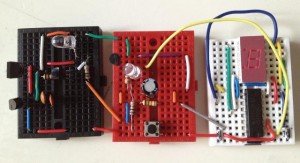
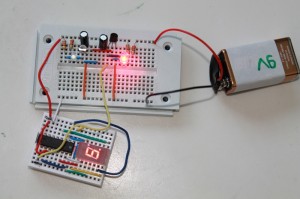
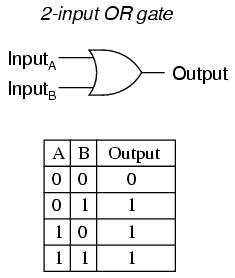
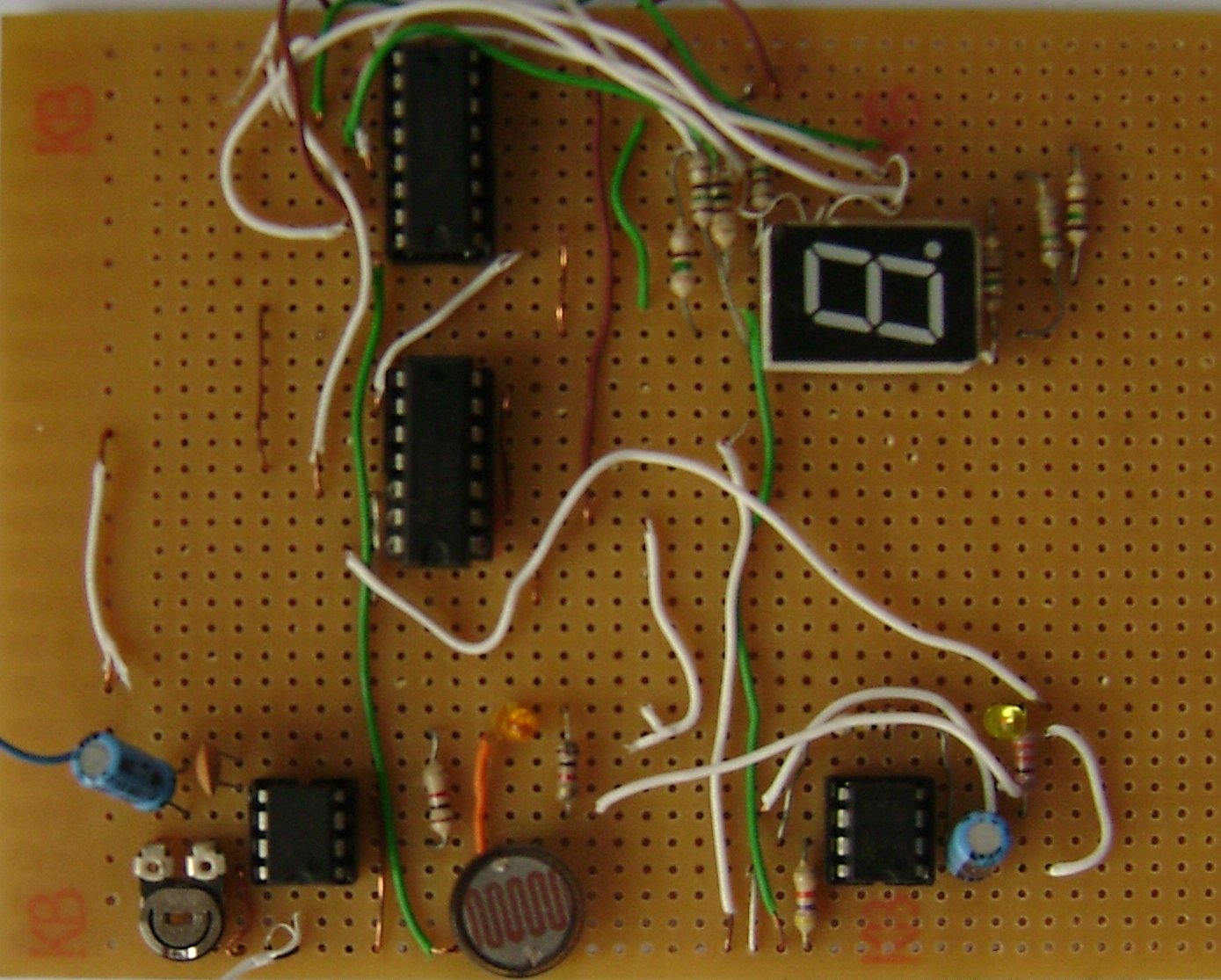
We need following components for making an object counter 1. 555- configured in monostable mode(automatic dark sensor using 555) 2. 555- configured in Astable mode 3. 7490- decade counter- Click here to get the datasheet 4. 7447- BCD to seven segment display- Click here to get the datasheet. 5. Seven segment display- Common Anode
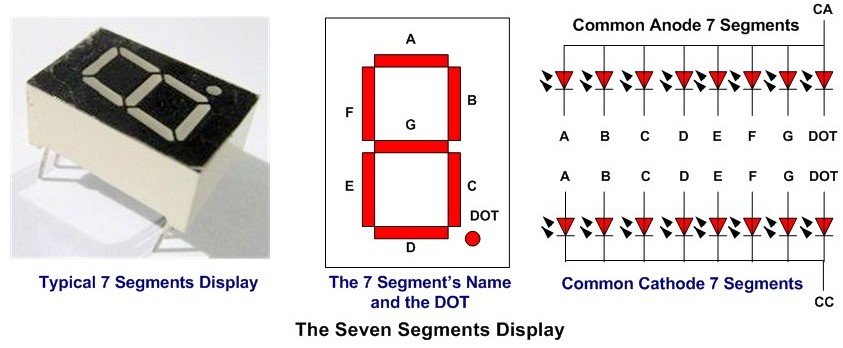 Here, CC-Common Cathode and CA-Common Anode.
 6. Resistors- see the schematic
7. Capacitors- see the schematic
8. Light dependent resistor (LDR)
9. LED
10. Power supply
There are basically three modules in object counter:
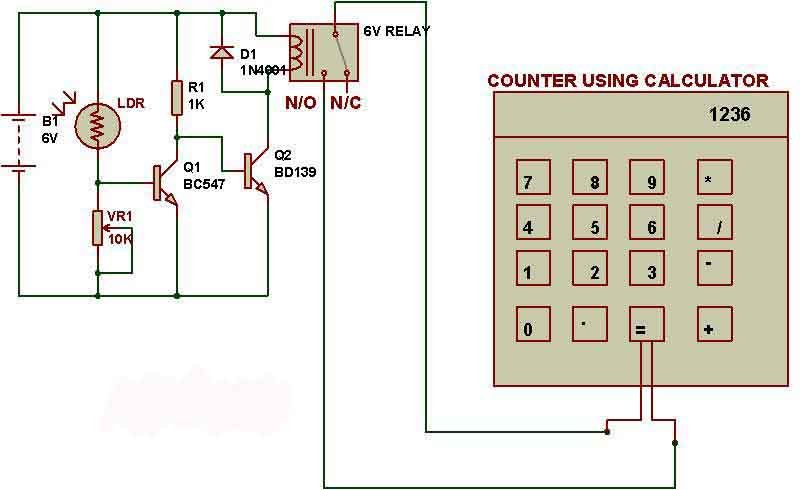
555 timer configured in monostable mode is a simple automatic dark sensor circuit that gives output when light falling on LDR is blocked. Pin 3 of monostable circuit has been connected to pin 4 of astable timer. When monostable circuit generates output, astable mode timer starts giving pulses to the counter module.
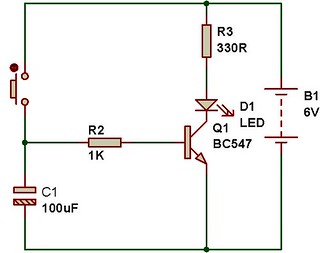
Frequency for counter module is set up using R4, R3 and C2.
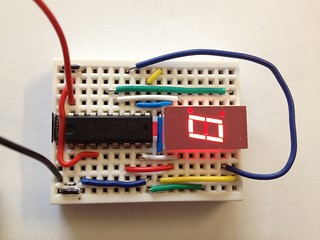
7490 acts as a decade counter and 7447 uses the output of 7490 to display numbers on seven segment display.
This circuit counts from 0 to 9.
Click here to read about 'How digital Clock works?'
6. Resistors- see the schematic
7. Capacitors- see the schematic
8. Light dependent resistor (LDR)
9. LED
10. Power supply
There are basically three modules in object counter:
555 timer configured in monostable mode is a simple automatic dark sensor circuit that gives output when light falling on LDR is blocked. Pin 3 of monostable circuit has been connected to pin 4 of astable timer. When monostable circuit generates output, astable mode timer starts giving pulses to the counter module.
Frequency for counter module is set up using R4, R3 and C2.
7490 acts as a decade counter and 7447 uses the output of 7490 to display numbers on seven segment display.
This circuit counts from 0 to 9.
Click here to read about 'How digital Clock works?'
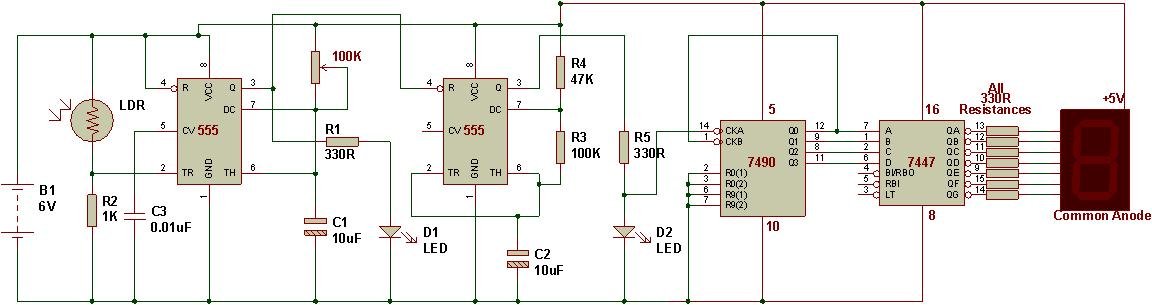 OUTPUT: If you block light falling on LDR, the number on seven segment display will increase.
 Click here to read about 'How digital Clock works?'
Check the following tutorial also.