MAKER TUTORIALPowering up 3 digit object counter with USB cable
BUILDCIRCUIT · 2013-07-07
Step 1: In any USB cable(for example, the one you use for charging your phone), there are 4 wires.
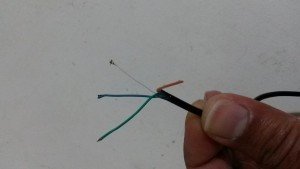
Step 2: Use your multimeter to find out which two wires give +5V. One wire should be +5V and the other should be -VE (GND).

Step 3: Connect the +5V wire to +ve point of screw terminal and -ve to - (minus) point of screw terminal.
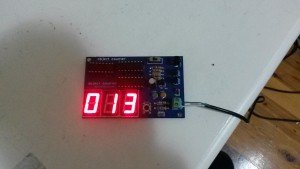
The object counter can now be used. Likewise, you can power up the infrared transmitter also.

If you are using more than one transmitter and receiver, you can use
this type of USB splitter. You can USB splitters with many ports also.
[products ids="18978" skus="BC-3014A"]
Check out all the counters
[products ids="19047, 19040, 19023, 19018, 18967, 18959, "]


 Step 2: Use your multimeter to find out which two wires give +5V. One wire should be +5V and the other should be -VE (GND).
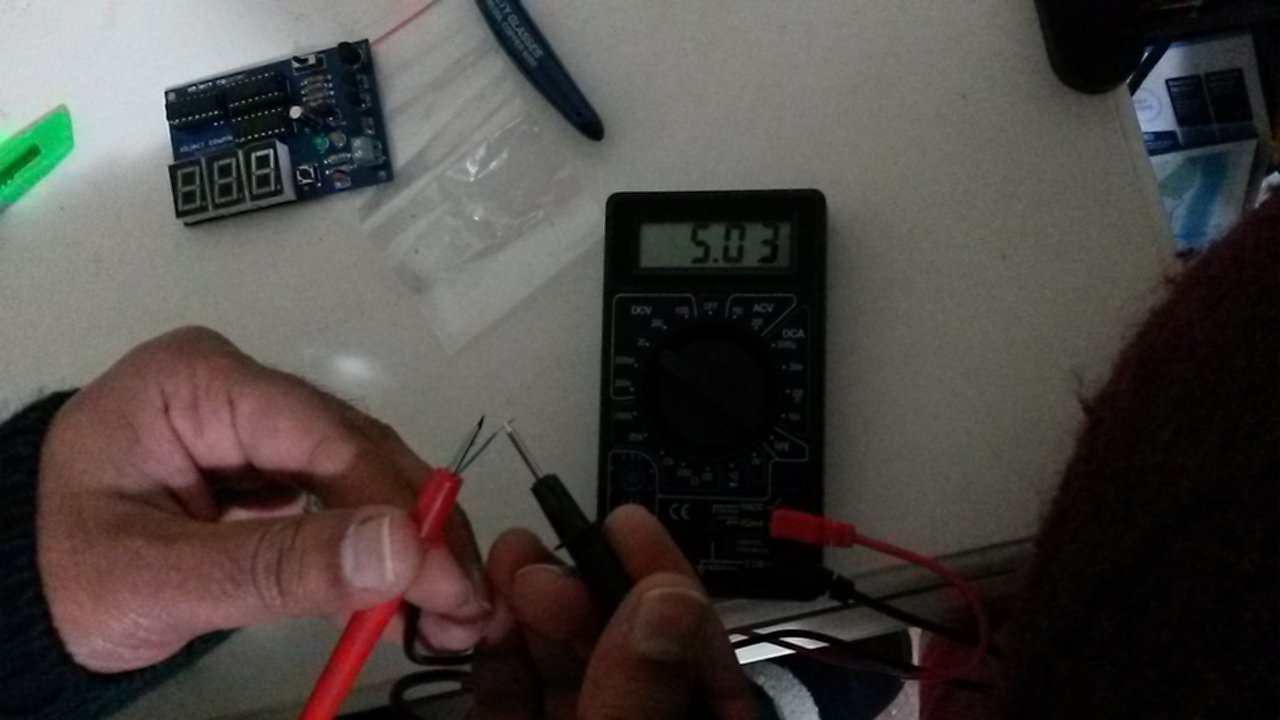 Step 3: Connect the +5V wire to +ve point of screw terminal and -ve to - (minus) point of screw terminal.
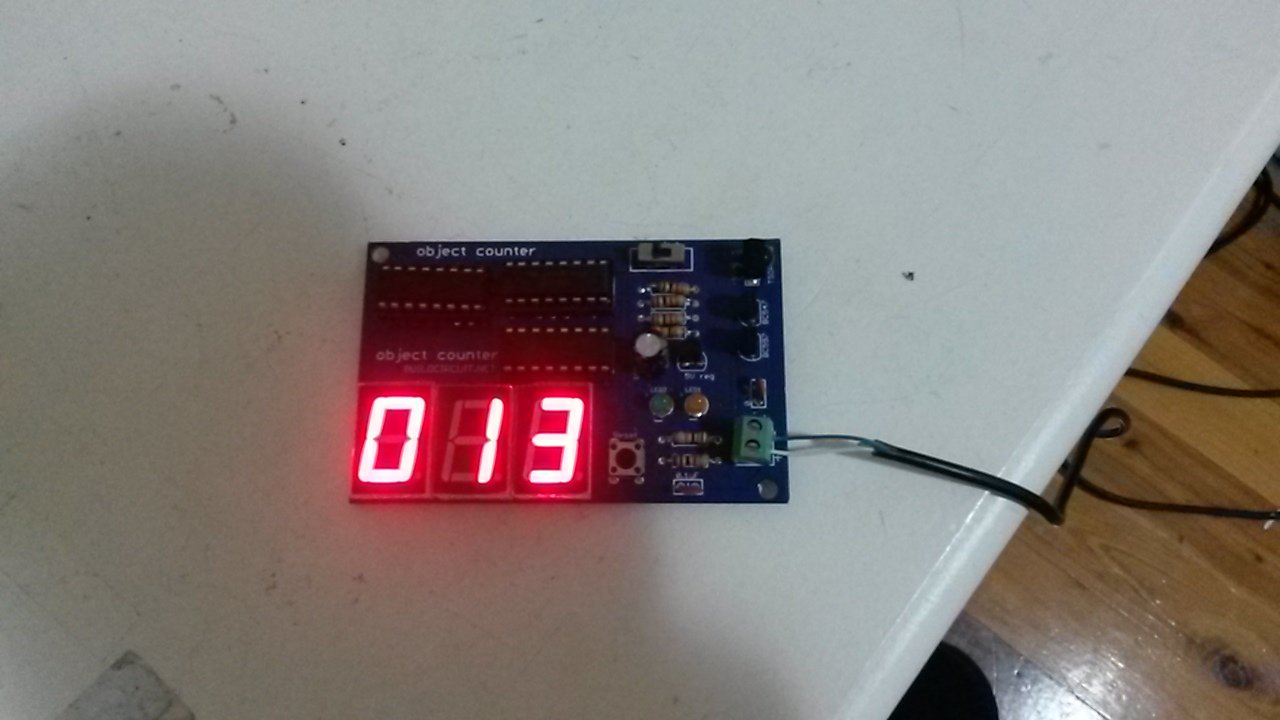 The object counter can now be used. Likewise, you can power up the infrared transmitter also.
 If you are using more than one transmitter and receiver, you can use this type of USB splitter. You can USB splitters with many ports also.
[products ids="18978" skus="BC-3014A"]
If you are using more than one transmitter and receiver, you can use this type of USB splitter. You can USB splitters with many ports also.
[products ids="18978" skus="BC-3014A"]