Check out similar robotics chassis at Buildcircuit store
Sparkfun.com has recently released a simple, easy and useful robot platform for robotics amateurs. It is called "Magician Chassis". You can use the chassis for different kinds of robots, for example, line sensing, obstacle detecting and smart phone controlled robots. I have recently published an easy project about smart phone controlled robot. I have also used Magician Chassis on my project. I recommend this chassis for robotics amateurs and novices because it is cheaper than other products I have known. You can use it for learning and experimenting the basics of robotics.
You get these components in the Magician Chassis package:
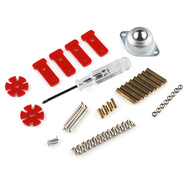
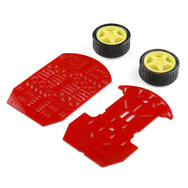
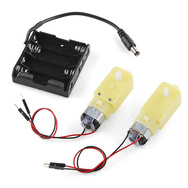
Photos from sparkfun.com
How to assemble Magician Chassis?
Step 1: You have two chassis boards, CHASSIS-UP and CHASSIS-BOTTOM. Put motor holders on Chassis-Bottom.
[caption id="attachment_2549" align="aligncenter" width="300"] Chassis-up(right) and chassis-bottom(left)[/caption]
[caption id="attachment_2550" align="aligncenter" width="254"]
Chassis-up(right) and chassis-bottom(left)[/caption]
[caption id="attachment_2550" align="aligncenter" width="254"]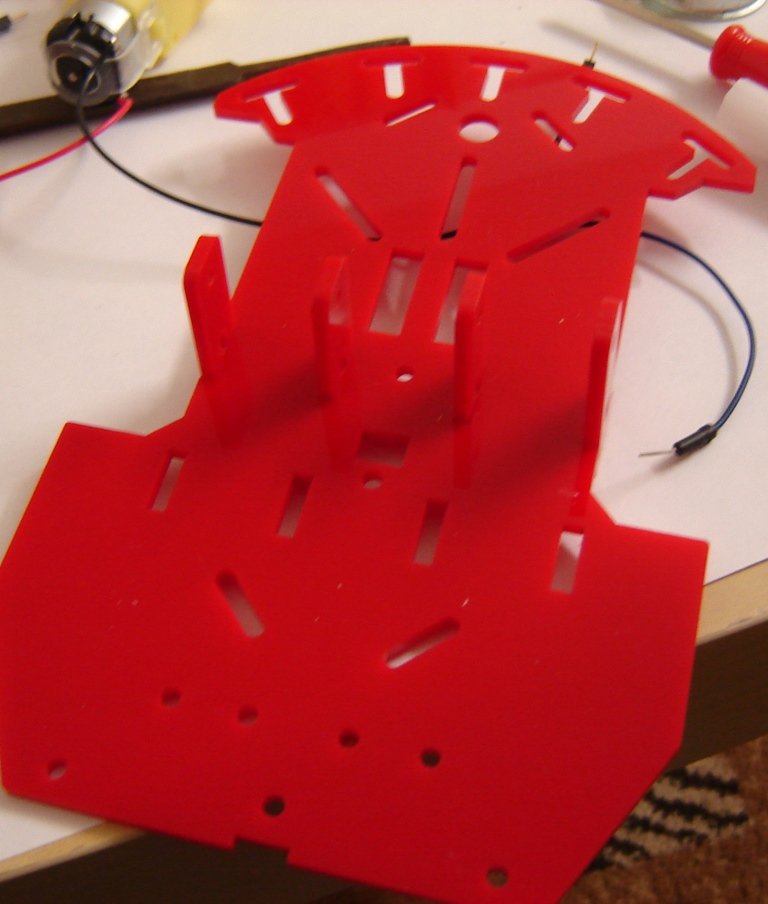 Motor holders on chassis bottom[/caption]
Step 2: Connect speed holder with wheel rotator of motor and fix on the chassis-bottom. Fix the motor using M3*30 Screw and M3 nuts.
[caption id="attachment_2551" align="aligncenter" width="300"]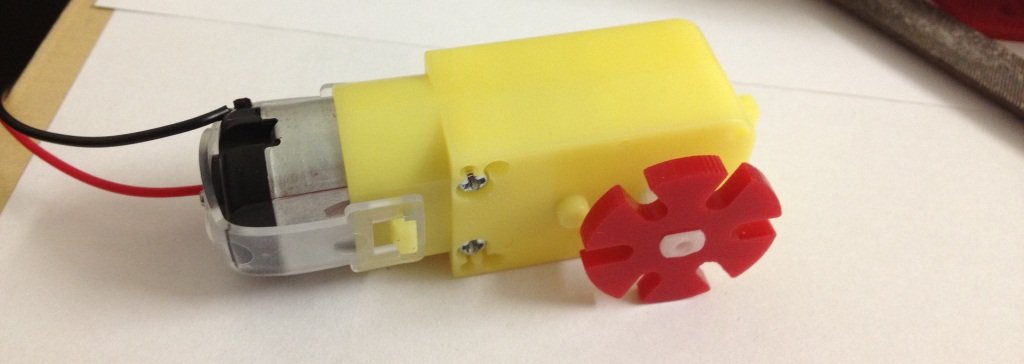 Speed board holder(RED) fixed with wheel rotator.[/caption]
[caption id="attachment_2571" align="aligncenter" width="300"]
Speed board holder(RED) fixed with wheel rotator.[/caption]
[caption id="attachment_2571" align="aligncenter" width="300"]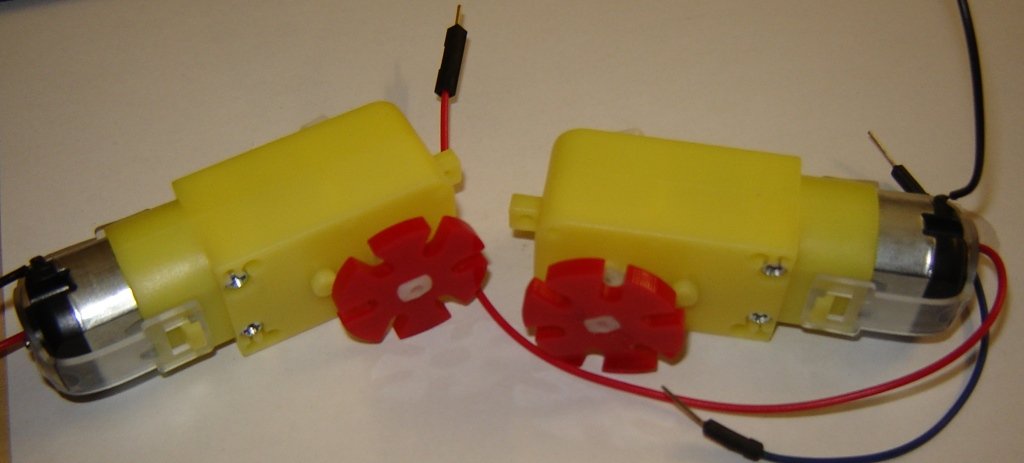 Motors with speed board holders[/caption]
[caption id="attachment_2555" align="aligncenter" width="119"]
Motors with speed board holders[/caption]
[caption id="attachment_2555" align="aligncenter" width="119"]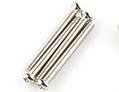 M3*30 screw[/caption]
[caption id="attachment_2560" align="aligncenter" width="140"]
M3*30 screw[/caption]
[caption id="attachment_2560" align="aligncenter" width="140"] M3 nuts[/caption]
[caption id="attachment_2554" align="aligncenter" width="300"]
M3 nuts[/caption]
[caption id="attachment_2554" align="aligncenter" width="300"]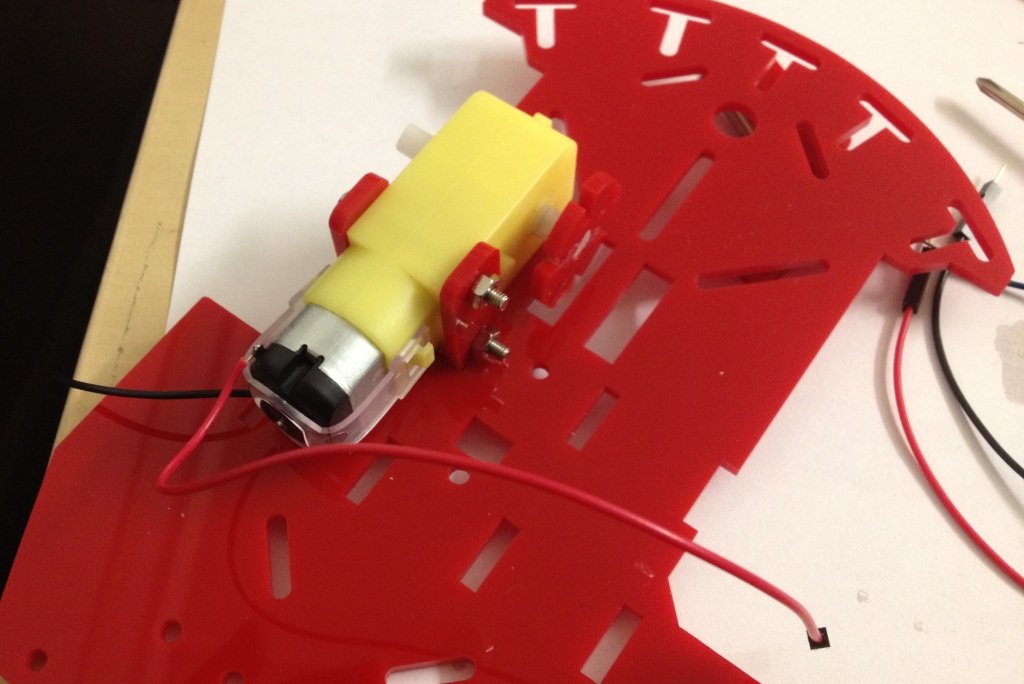 Fix motor on the chassis-bottom[/caption]
Step 3: Fix another motor also on the chassis-bottom.
[caption id="attachment_2556" align="aligncenter" width="300"]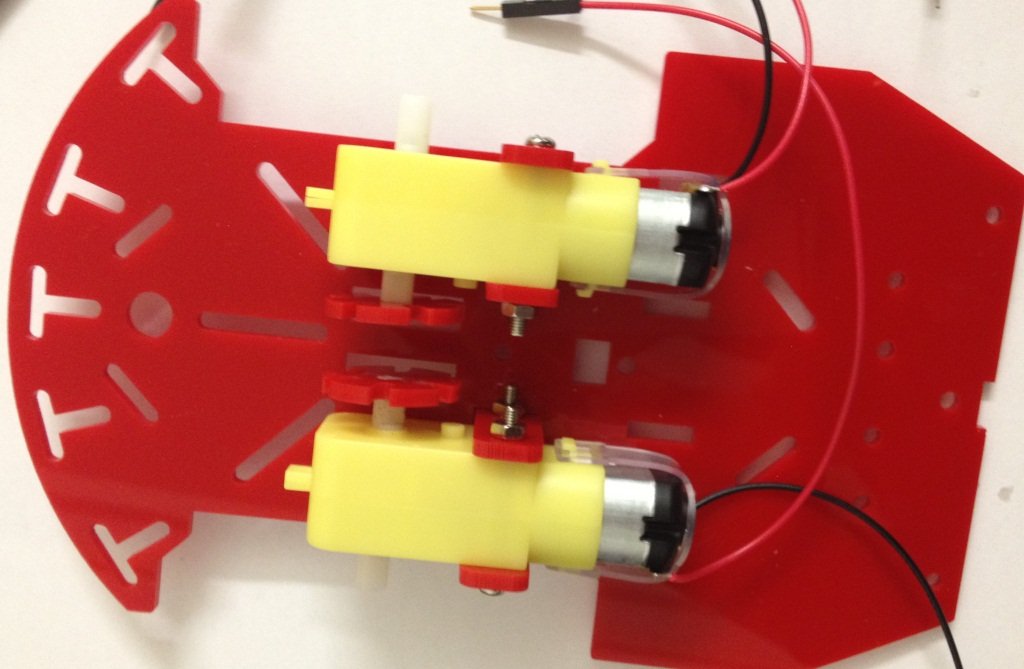 Two motor on chassis-bottom[/caption]
[caption id="attachment_2557" align="aligncenter" width="300"]
Two motor on chassis-bottom[/caption]
[caption id="attachment_2557" align="aligncenter" width="300"]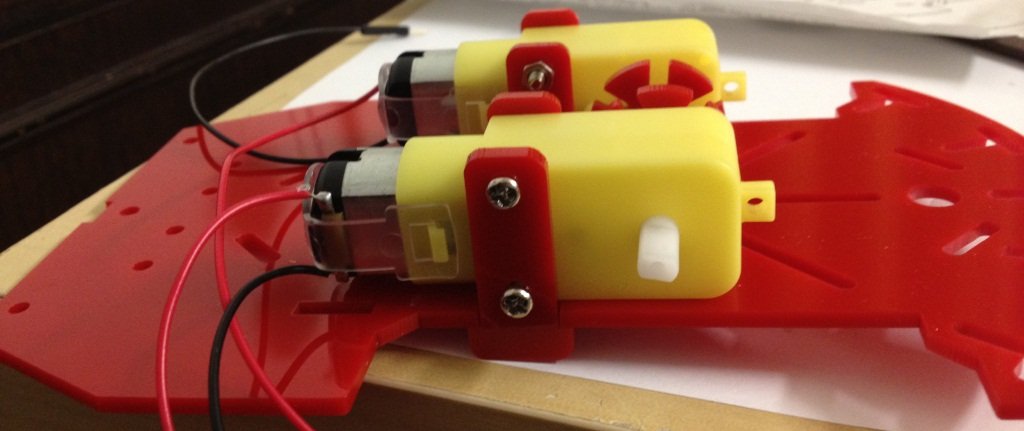 Two motor on chassis-bottom[/caption]
Step 4: Now fix the wheels.
[caption id="attachment_2558" align="aligncenter" width="300"]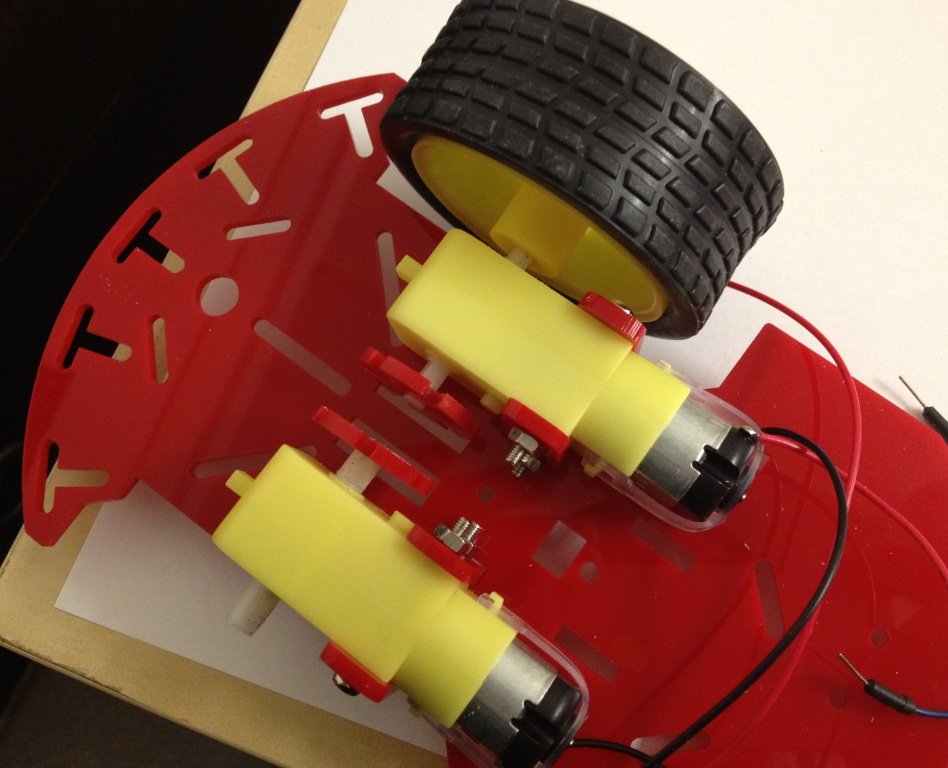 Fix the left wheel[/caption]
[caption id="attachment_2559" align="aligncenter" width="300"]
Fix the left wheel[/caption]
[caption id="attachment_2559" align="aligncenter" width="300"] Fix the right wheel[/caption]
Step 5: Assemble Omni wheel using M3*6 screw and L25 spacer.
[caption id="attachment_2561" align="aligncenter" width="179"]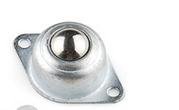 omni wheel[/caption]
[caption id="attachment_2562" align="aligncenter" width="200"]
omni wheel[/caption]
[caption id="attachment_2562" align="aligncenter" width="200"] M3*6 screw[/caption]
[caption id="attachment_2563" align="aligncenter" width="109"]
M3*6 screw[/caption]
[caption id="attachment_2563" align="aligncenter" width="109"] L25 spacer[/caption]
[caption id="attachment_2564" align="aligncenter" width="258"]
L25 spacer[/caption]
[caption id="attachment_2564" align="aligncenter" width="258"]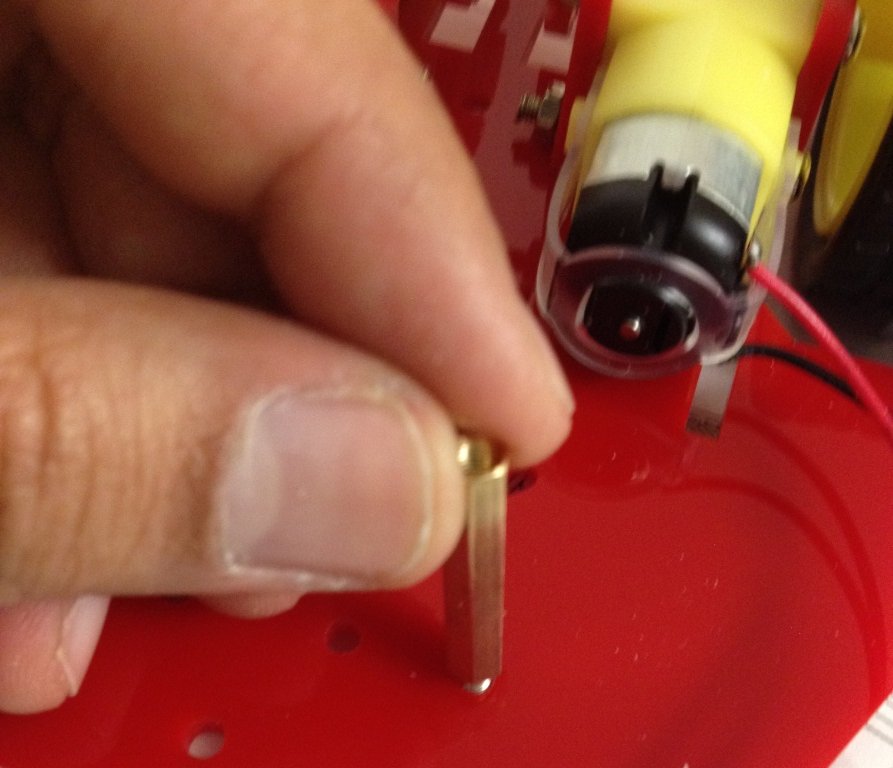 L25 spacer on chassis[/caption]
[caption id="" align="aligncenter" width="300"]
L25 spacer on chassis[/caption]
[caption id="" align="aligncenter" width="300"]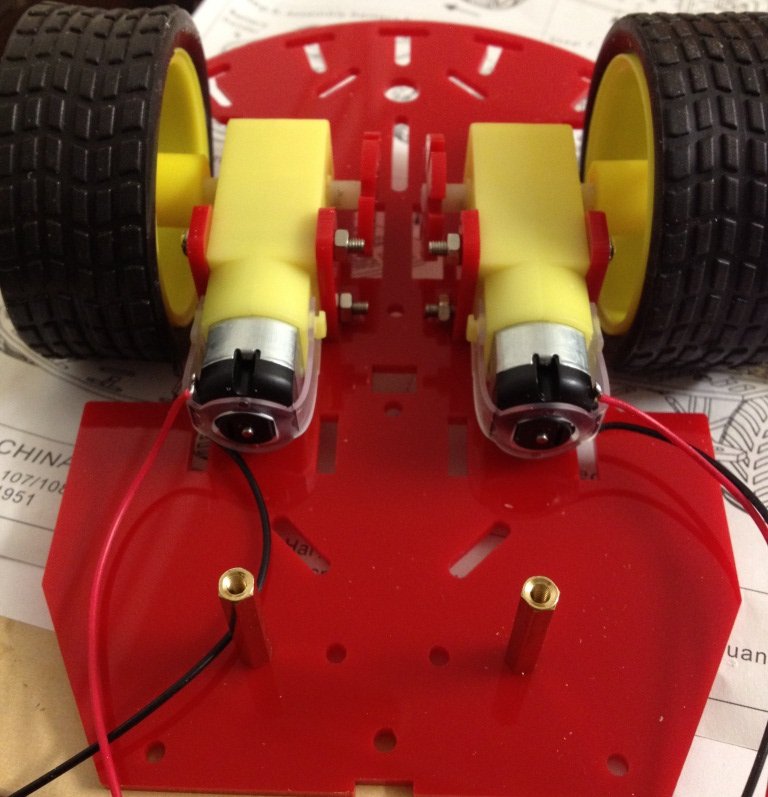 Fix L25 spacer for Omni Wheel[/caption]
[caption id="attachment_2601" align="aligncenter" width="283"]
Fix L25 spacer for Omni Wheel[/caption]
[caption id="attachment_2601" align="aligncenter" width="283"] Fix omni wheel[/caption]
[caption id="attachment_2603" align="aligncenter" width="300"]
Fix omni wheel[/caption]
[caption id="attachment_2603" align="aligncenter" width="300"] Omni wheel on chassis[/caption]
Step 6: Fix battery holder using M3*10 flathead screw
[caption id="attachment_2605" align="aligncenter" width="266"]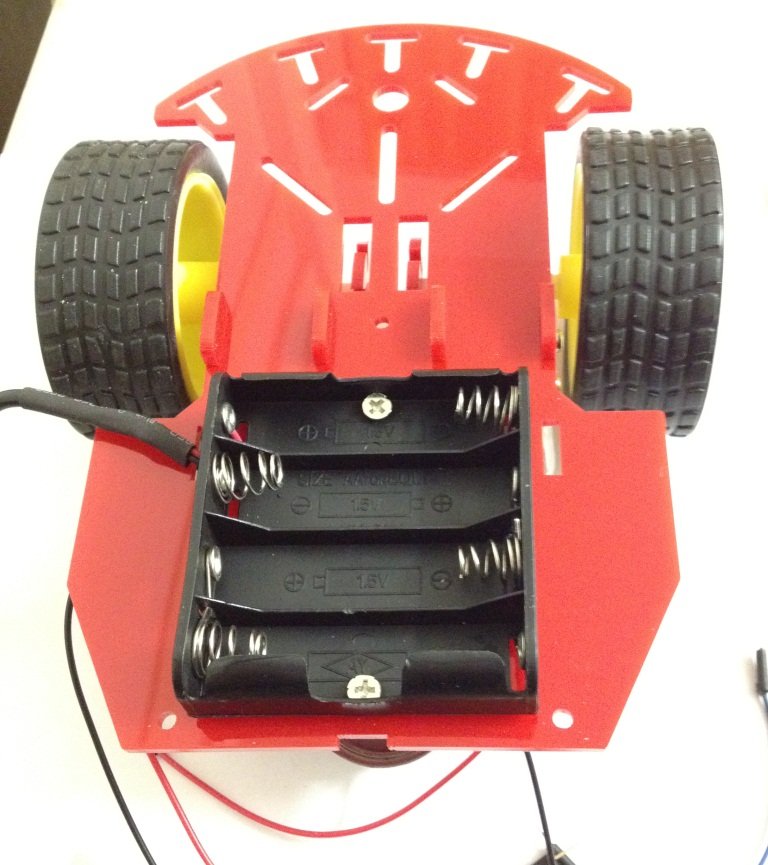 Battery holder fixed[/caption]
Step 7: Use L25 spacer to fix chassis-up
[caption id="attachment_2606" align="aligncenter" width="290"]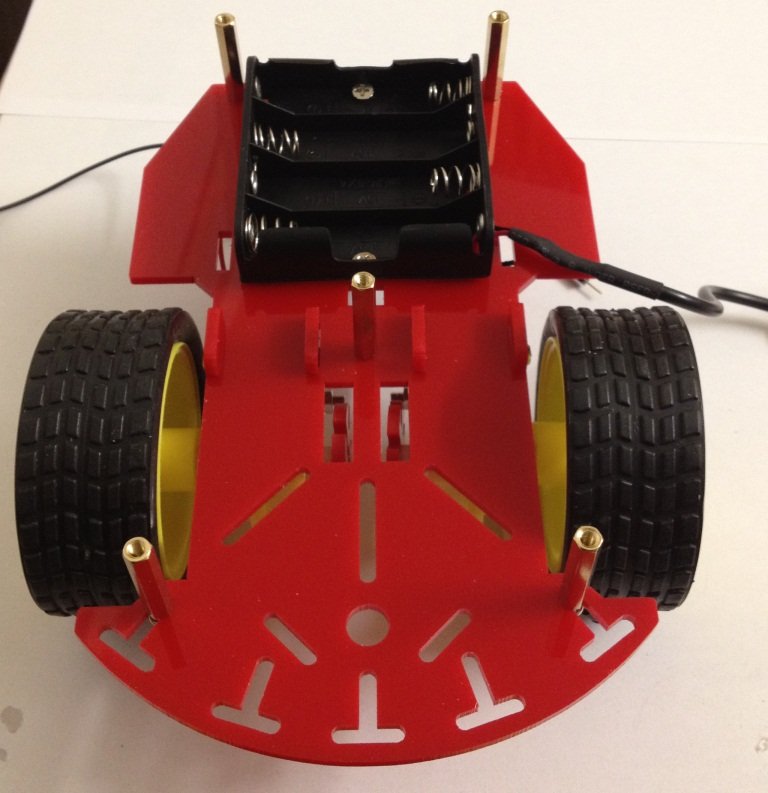 L25 spacers on the chassis[/caption]
Step 8: Fix Chassis-up over the L25 spacers.
[caption id="attachment_2607" align="aligncenter" width="281"]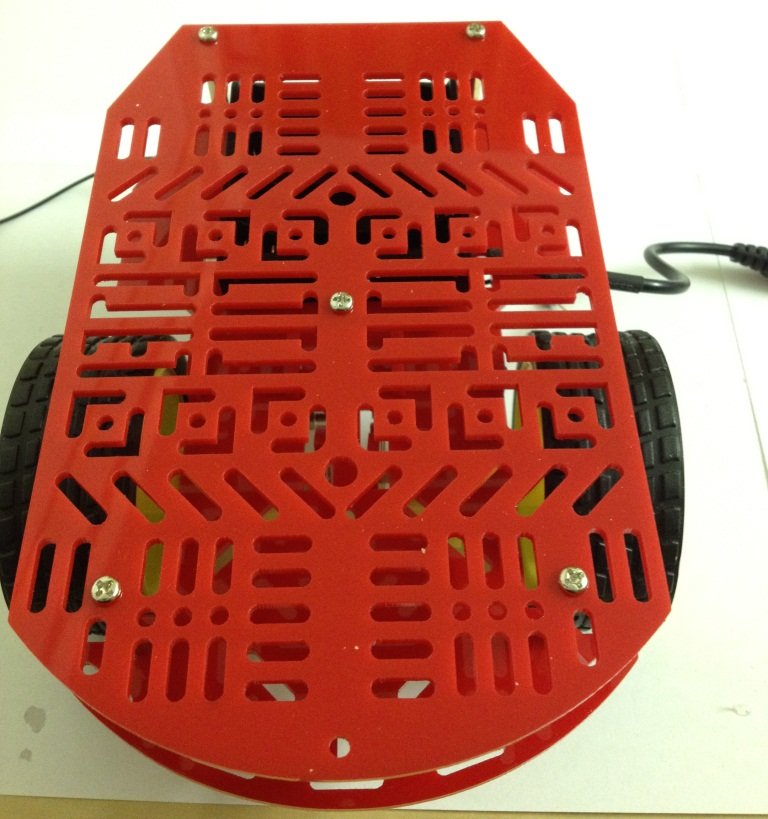 Completely assembled magician chassis[/caption]
READ POST: A SIMPLE SMART PHONE CONTROLLED ROBOT USING MAGICIAN CHASSIS