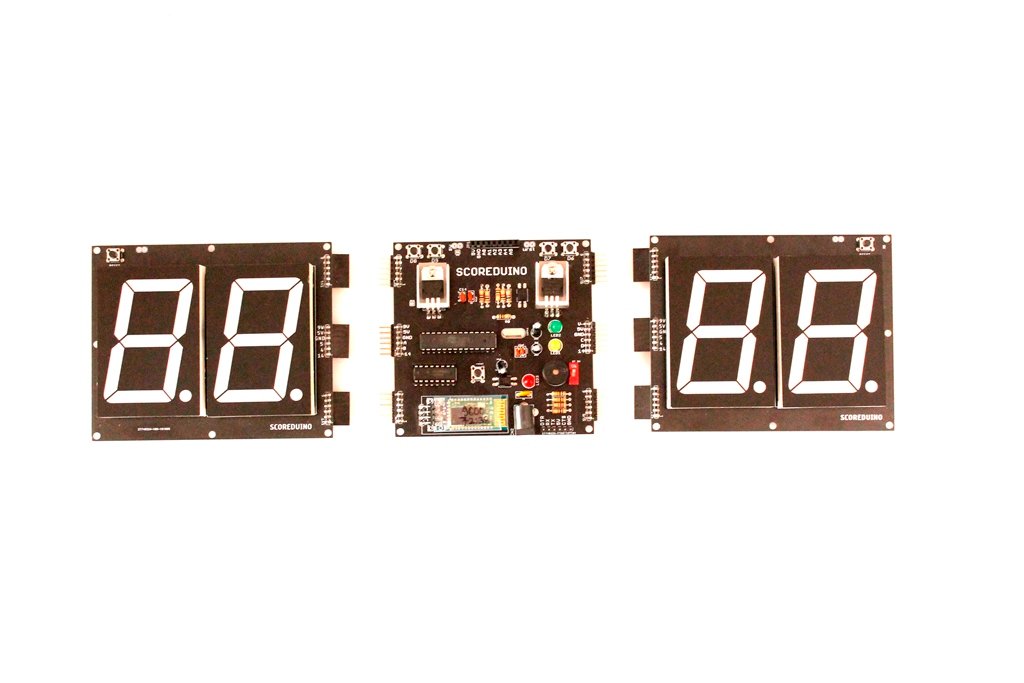
Scoreduino is an Arduino based programmable controller/device/platform dedicated to building and operating 74LS192 based scoreboards and up & down counters. It is slightly different from the regular Arduino board. It has been modified to make the Arduino compatible with 74LS192. Scoreduino based scoreboards and up & down counters can be controlled with Scoreduino app.
- One sided Scoreduino- SCOREDUINO-A- See SCORE1, SCORE2 and SCORE3
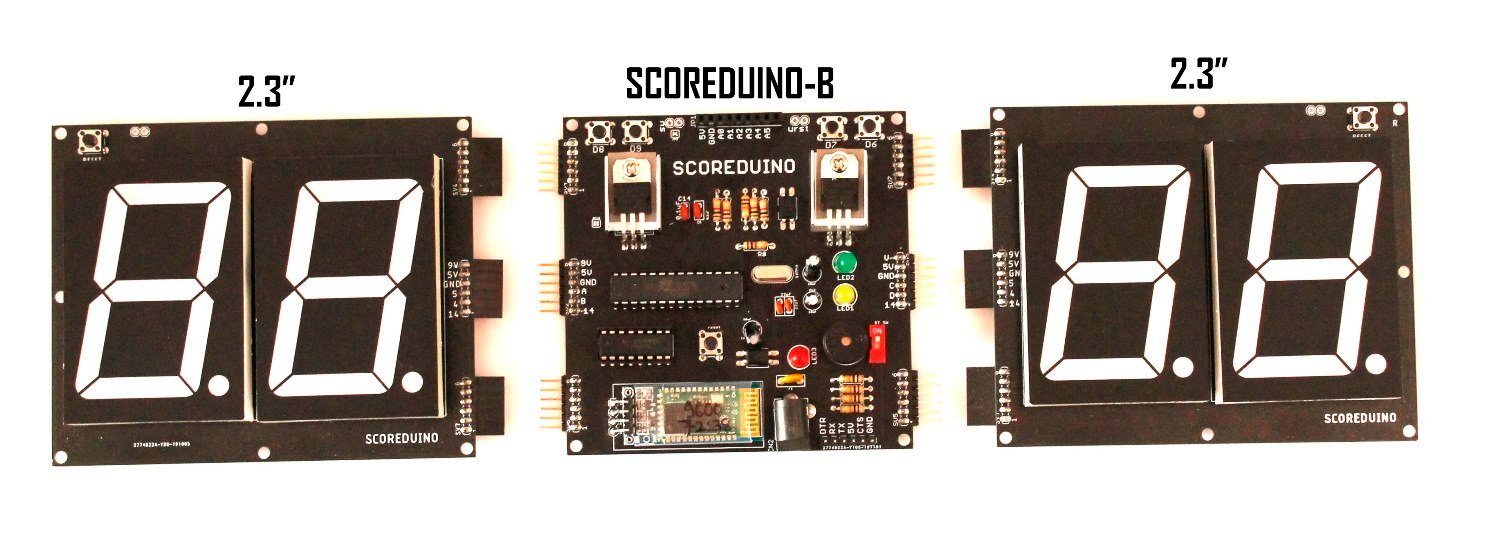
- Two sided Scoreduino- SCOREDUINO-B- See SCORE4
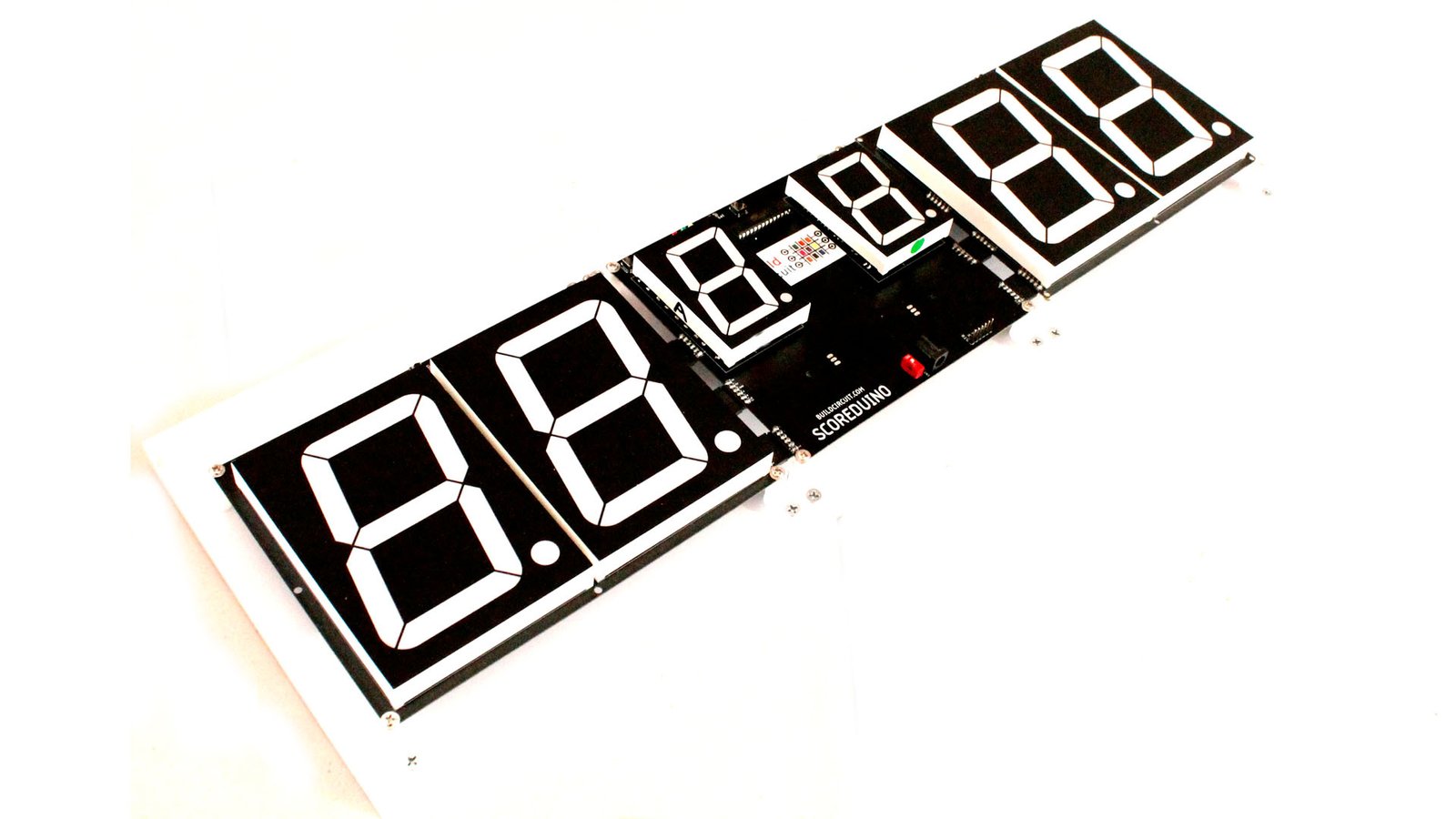
- Scoreduino with inning display-SCOREDUINO-C- See SCORE5
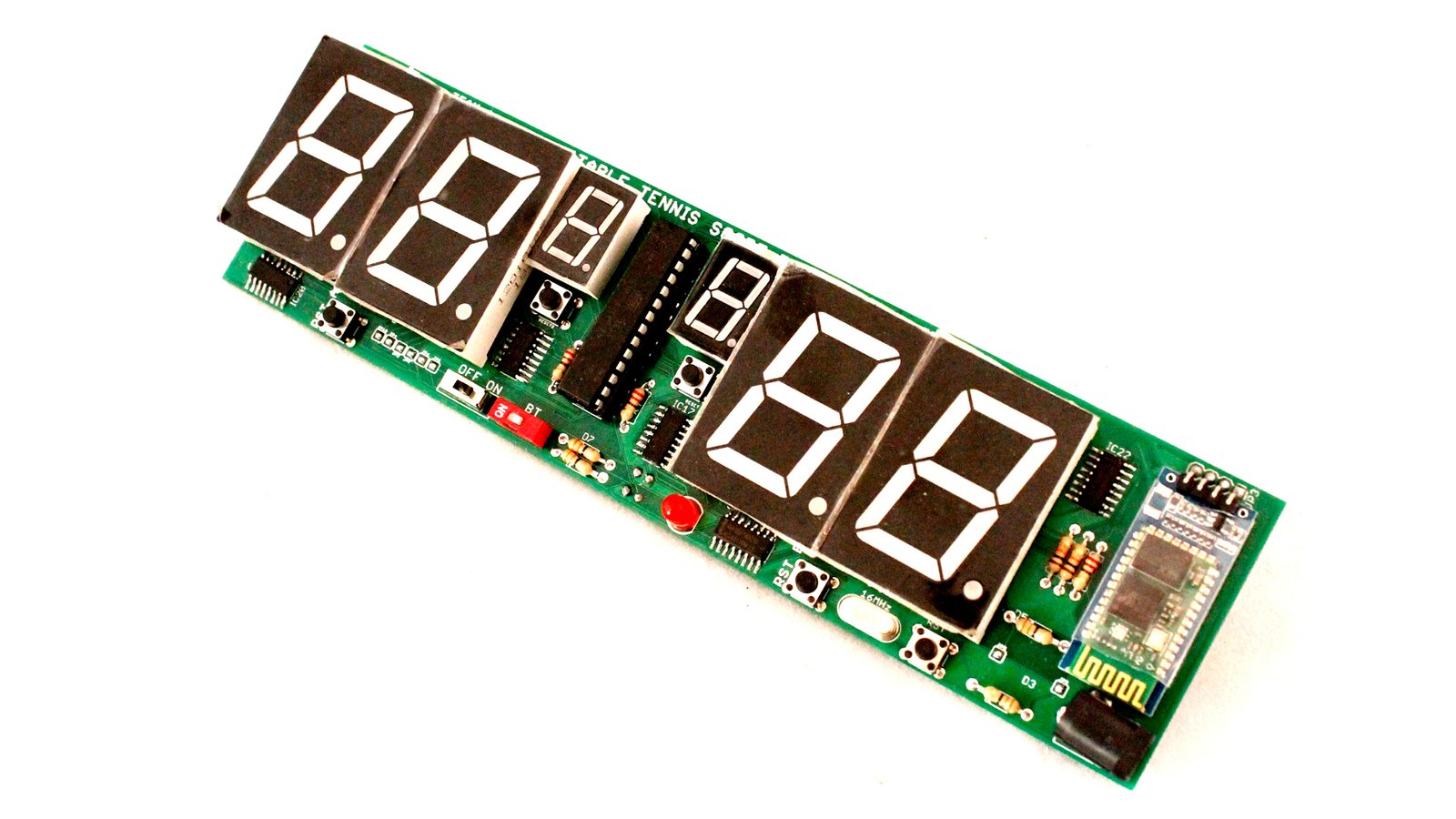
- Scoreduino for table tennis-SCOREDUINO-D- See SCORE6
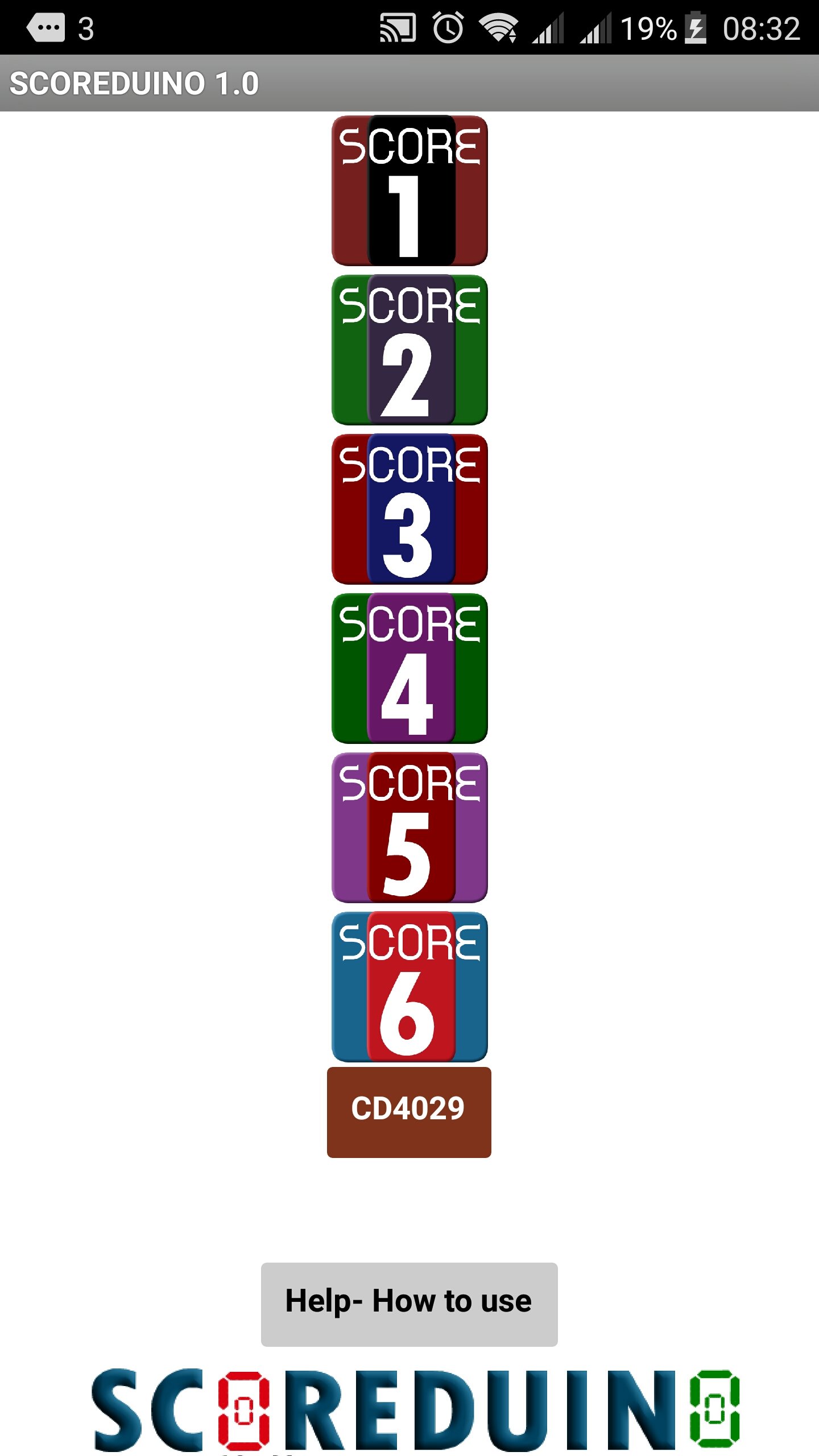 Scoreduino app is an Android based app for controlling Scoreduino based up/down counters and scoredboards. The app has altogether 7 individual apps for different scoreboards and up & down counters.
The apps have been named as: SCORE1, SCORE2, SCORE3, SCORE4, SCORE5 and SCORE6. There is one more app titled CD4029 which can be used for CD4029 based up and down counter.
The app sends up and down control signal as well as specific number to the Scoreduino device.
 Scoreduino apps communicate with Scoreduino devices via Bluetooth. It has been built using MIT media lab's App Inventor For Android.
The app is FREE and it has been released under a Creative Commons Attribution ShareAlike 3.0 license.
Scoreduino apps communicate with Scoreduino devices via Bluetooth. It has been built using MIT media lab's App Inventor For Android.
The app is FREE and it has been released under a Creative Commons Attribution ShareAlike 3.0 license.

 The 'basic trigger module' works as a basic controller for up and down counters or seven segment display drivers. It has 3 switches for up, down and reset signal. Up switch increases the count and down switch decreases the count and the reset switch resets the count to zero.
It works with the following common anode seven segment display drivers:
The 'basic trigger module' works as a basic controller for up and down counters or seven segment display drivers. It has 3 switches for up, down and reset signal. Up switch increases the count and down switch decreases the count and the reset switch resets the count to zero.
It works with the following common anode seven segment display drivers:
- 1.2 inch RED common anode seven segment display driver- works with 5V-6V. Works with other colors also after changing resistors.
- 2.3 inch RED common anode seven segment display driver- works with 9V. Works with other colors also after changing resistors.
- 3 inch RED common anode seven segment display driver- Works with 12V. Works with other colors also after changing resistors.
- 4 inch RED common anode seven segment display driver- Works with 12V. Works with other colors also after changing resistors.
- 5 inch RED common anode seven segment display driver- Works with 15V. Works with other colors also after changing resistors.
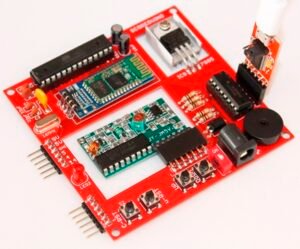 The 'SCOREDUINO' module works as a basic controller for up and down counters or seven segment display drivers. It has 3 switches for up, down and reset signals. Up switch increases the count and down switch decreases the count and the reset switch resets the count to zero.
Other features:
The 'SCOREDUINO' module works as a basic controller for up and down counters or seven segment display drivers. It has 3 switches for up, down and reset signals. Up switch increases the count and down switch decreases the count and the reset switch resets the count to zero.
Other features:
- It has a Bluetooth module which communicates with the Scoreduino app and control signals can be sent to Scoreduino device from the app.
- It has a header for an RF module which makes it capable of receiving control signals from RF remote control.
- 1.2 inch RED common anode seven segment display driver- works with 5V-6V. Works with other colors also after changing resistors.
- 2.3 inch RED common anode seven segment display driver- works with 9V. Works with other colors also after changing resistors.
- 3 inch RED common anode seven segment display driver- Works with 12V. Works with other colors also after changing resistors.
- 4 inch RED common anode seven segment display driver- Works with 12V. Works with other colors also after changing resistors.
- 5 inch RED common anode seven segment display driver- Works with 15V. Works with other colors also after changing resistors.
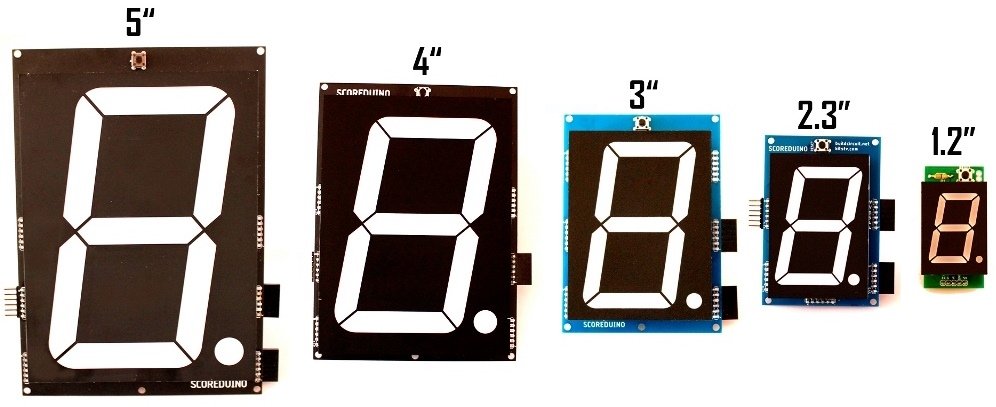 You can simply place the display on the driver board and solder it. In just few minutes, the display will be ready to count up and down.
All the drivers have been designed to work with Scoreduino and basic trigger module.
You can connect unlimited number of driver boards together.
NOTE: The drivers do not work with normal Arduino board. You will essentially need either Scoreduino board or the basic trigger module.
You can simply place the display on the driver board and solder it. In just few minutes, the display will be ready to count up and down.
All the drivers have been designed to work with Scoreduino and basic trigger module.
You can connect unlimited number of driver boards together.
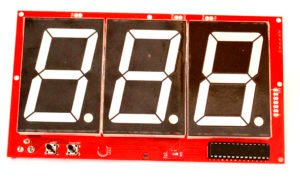
NOTE: The drivers do not work with normal Arduino board. You will essentially need either Scoreduino board or the basic trigger module.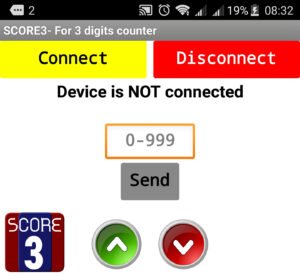 This is a 3 digits up and down counter based on Scoreduino or Arduino. It can be operated with Scoreduino app and RF remote control.
When operated with Scoreduino app, users can send specific number to the displays. For example, if a user send 999 from the app, the up down counter displays 999. There are two buttons to increase or decrease the count.
It is available in two sizes, 2.3" and 3". A 2.3 inch counter works with 9V and 3 inch works with 12V power supplies.
A 3 digits up/down counter works with SCORE3 module of the Scoreduino app.
This is a 3 digits up and down counter based on Scoreduino or Arduino. It can be operated with Scoreduino app and RF remote control.
When operated with Scoreduino app, users can send specific number to the displays. For example, if a user send 999 from the app, the up down counter displays 999. There are two buttons to increase or decrease the count.
It is available in two sizes, 2.3" and 3". A 2.3 inch counter works with 9V and 3 inch works with 12V power supplies.
A 3 digits up/down counter works with SCORE3 module of the Scoreduino app.

 The 'SCOREDUINO-B' module works as a basic controller for two teams/players scoreboard. It has a pair of headers on side of the board that can be connected to 2 digits seven segment display drivers.
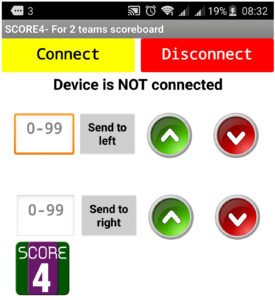 It works with SCORE4 app. Users can send specific numbers to each of the displays. There are 2 pairs of up and down buttons on the app to increase or decrease the score.
There are two pairs of switches also which can be used to increase or decrease the count manually. It also works with RF remote control.
Scoreduino-B is a programmable device like any other Arduinos. It requires an FTDI basic breakout board.
Scoreduino-B works with the following sizes of common anode seven segment display drivers. The seven segment display drivers can be controlled by Android app or RF remote control or the inbuilt switches.
It works with SCORE4 app. Users can send specific numbers to each of the displays. There are 2 pairs of up and down buttons on the app to increase or decrease the score.
There are two pairs of switches also which can be used to increase or decrease the count manually. It also works with RF remote control.
Scoreduino-B is a programmable device like any other Arduinos. It requires an FTDI basic breakout board.
Scoreduino-B works with the following sizes of common anode seven segment display drivers. The seven segment display drivers can be controlled by Android app or RF remote control or the inbuilt switches.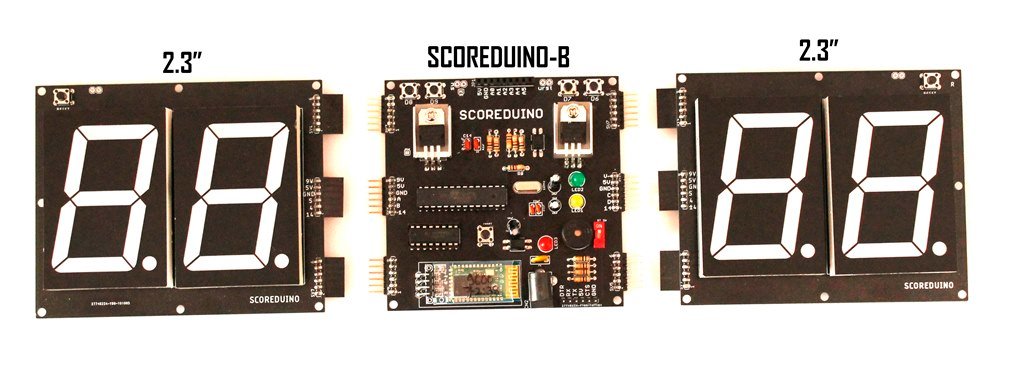
- 2.3 inch scoreboard. Watch it on youtube
- 3 inch scoreboard. Watch it on youtube
- 4 inch scoreboard. Watch it on youtube
- 5 inch scoreboard

 The left hand side digits are displayed in RED and the right hand side digits are displayed in GREEN or BLUE.
You can send specific score on each display using the SCORE4 app. There are up and down buttons on the app to increase and decrease the scores respectively. There are also two tactile switches on the SCOREDUINO-B board to increase or decrease the scores on both sided displays.
The seven segment displays of the scoreboards are available in the following sizes:
The left hand side digits are displayed in RED and the right hand side digits are displayed in GREEN or BLUE.
You can send specific score on each display using the SCORE4 app. There are up and down buttons on the app to increase and decrease the scores respectively. There are also two tactile switches on the SCOREDUINO-B board to increase or decrease the scores on both sided displays.
The seven segment displays of the scoreboards are available in the following sizes:
- 2.3" scoreboard- RED on the left and GREEN or BLUE on the right. Watch it on youtube. Assembly video
- 3" scoreboard. Watch it on youtube
- 4" scoreboard. Watch it on youtube
- 5" scoreboard

 The left hand side digits are displayed in RED and the right hand side digits are displayed in GREEN or BLUE.
You can send specific score on each display using the SCORE5 app.
It works with Bluetooth only.
The seven segment displays of the scoreboards are available in the following sizes:
The left hand side digits are displayed in RED and the right hand side digits are displayed in GREEN or BLUE.
You can send specific score on each display using the SCORE5 app.
It works with Bluetooth only.
The seven segment displays of the scoreboards are available in the following sizes:
- 4" scoreboard and 2.3" display for innings
- 5" scoreboard and 3" display for innings. Assembly video
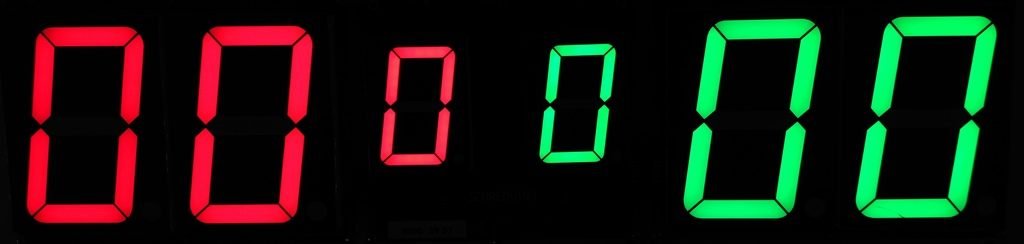 This is the actual color of the display[/caption]
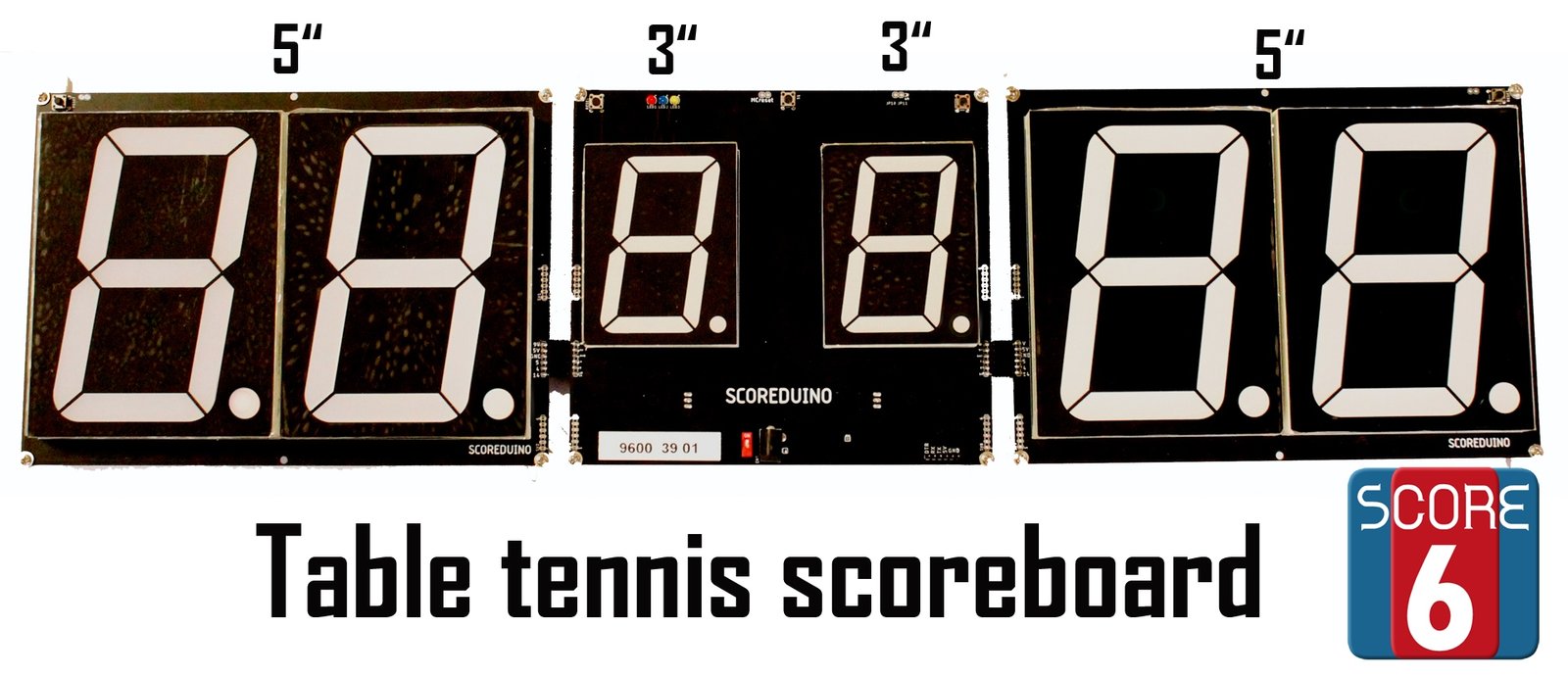 You can send specific scores on the displays using the SCORE6 app.
It works with Bluetooth only.
The seven segment displays of the scoreboards are available in the following sizes:
You can send specific scores on the displays using the SCORE6 app.
It works with Bluetooth only.
The seven segment displays of the scoreboards are available in the following sizes:
- 1.2" scoreboard and 0.56" displays for displaying the number of sets won. It is NOT programmable.
- 2.3" scoreboard and 1.2" display for displaying the number of sets won. Watch it on youtube
- 4" scoreboard and 2.3" display for displaying the number of sets won. Watch it on youtube Assembly video
- 5" scoreboard and 3" display for displaying the number of sets won. Watch it on youtube Assembly video

 CD4029 is a presettable binary/decade up and down counter chip. Scoreduino app has a feature to control the CD4029 based up and down counter module. You can connect the CD4029 counter module to Arduino and send up and down signals via Bluetooth. It is the most basic and simplest up and down counter for Arduino enthusiasts.
It works with normal Arduino. It also works with NE555 timer or flashing LED.
Documents:
CD4029 is a presettable binary/decade up and down counter chip. Scoreduino app has a feature to control the CD4029 based up and down counter module. You can connect the CD4029 counter module to Arduino and send up and down signals via Bluetooth. It is the most basic and simplest up and down counter for Arduino enthusiasts.
It works with normal Arduino. It also works with NE555 timer or flashing LED.
Documents:
- Schematic
- How to connect to Arduino? Fritzing diagram and images.
- Arduino Sketch
- CD4029 datasheet