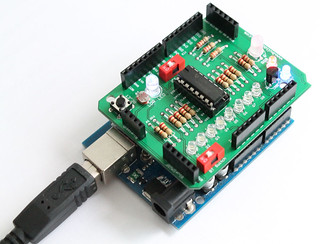
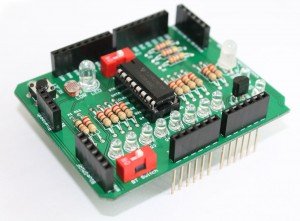
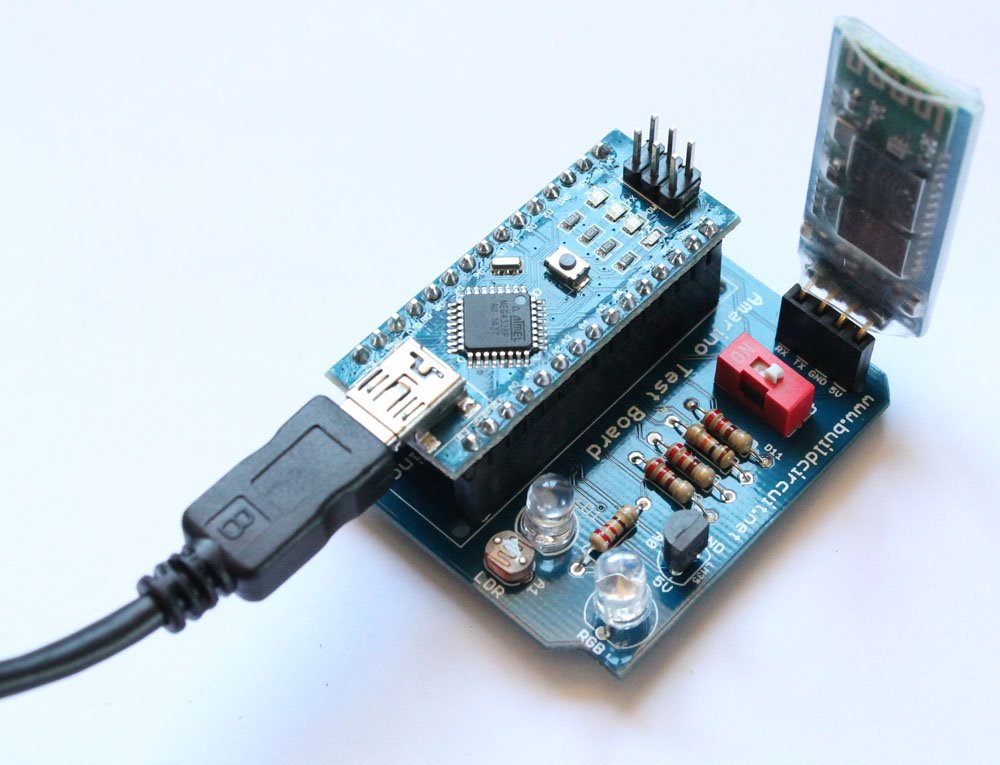
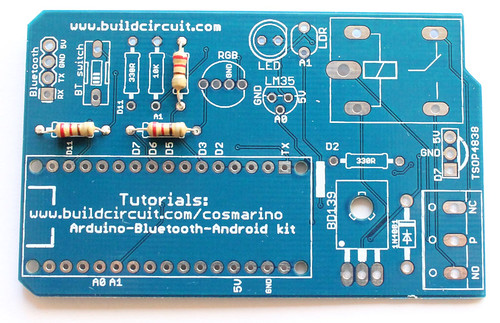
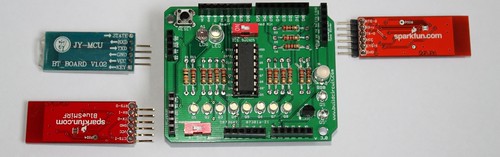
 In Amarino shield version 3.0, there are headers for 3 different bluetooth adapters.
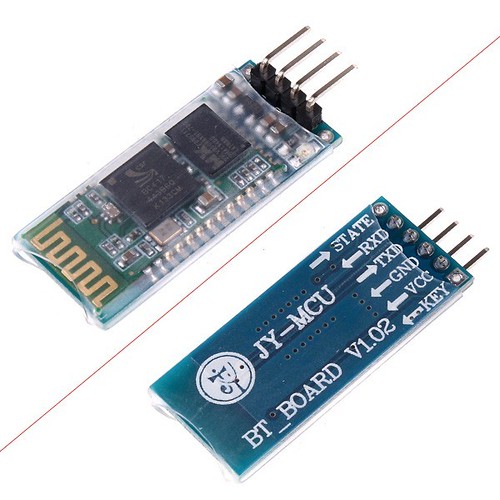
a. General Bluetooth Adapter - Cheapest adapter available at www.buildcircuit.net. RECOMMENDED !
b. BlueSMiRF- Bluetooth Mate Silver
In Amarino shield version 3.0, there are headers for 3 different bluetooth adapters.
a. General Bluetooth Adapter - Cheapest adapter available at www.buildcircuit.net. RECOMMENDED !
b. BlueSMiRF- Bluetooth Mate Silver - More expensive adapter available on sparkfun.com.
c. BlueSMiRF Gold - The most expensive adapter available on sparkfun.com.
- More expensive adapter available on sparkfun.com.
c. BlueSMiRF Gold - The most expensive adapter available on sparkfun.com.
 - Whichever Bluetooth adaptor you are using, the baud rate of Bluetooth adapter should match with the Serial Monitor’s baud rate. For example, if your Arduino source code has
Serial.begin(57600);then, the baud rate of Bluetooth adapter should also be 57600. The default baud rate of BlueSMiRF module and general adapter is 9600. The shield works excellent with 9600. However, if you want to change the baud rate of BlueSMiRF module, here’s a tutorial. We don’t know if we can change the baud rate of general Bluetooth adapters with the process mentioned on this tutorial. You can try it. - This project has been tested with BlueSMiRF module as well as general Bluetooth adapter module and it works well. Bluetooth Mate Silver
---------------------------------------------------------------------------------------------------------------------------------------------------------
Bluetooth Serial Adapter Related tutorials:
- About Amarino toolkit
- About Amarino shield
- Flickr Images
- Experiment 1- Basic control over CD4094 without Android phone and serial emulator application
- Experiment 2- CD4094 control using Android phone and Amarino shield
- Experiment 3- Amarino experiment- RGB Lamp
- Experiment 4- Amarino experiment- Sensor Graph with LED Controller
- Experiment 5- Amarino experiment- LM35 based temperature sensor with LED controller
- Amarino Shield 3.0 Schematic
- Assembly tutorial
- Buy the shield
You can purchase this versatile Amarino shield at buildcircuit.net. The store is owned and operated by the team which operates buildcircuit.com.